> For the complete documentation index, see [llms.txt](https://docs.uniplay.id/uniplay-reseller/llms.txt). Markdown versions of documentation pages are available by appending `.md` to page URLs; this page is available as [Markdown](https://docs.uniplay.id/uniplay-reseller/kustomisasi/kustomisasi-produk/cara-ubah-deskripsi-produk.md).
# Cara Ubah Deskripsi Produk
Menu ini memungkinkan Kamu untuk menyesuaikan deskripsi dan icon dari setiap produk. Fitur ini memberikan fleksibilitas penuh bagi kamu dalam menentukan tampilan dan detail dari setiap produk.
#### Cara Mengubah Logo dan Deskripsi Produk
Untuk mengatur harga jual produk, maka kamu bisa ikuti langkah-langkahnya berikut ini:
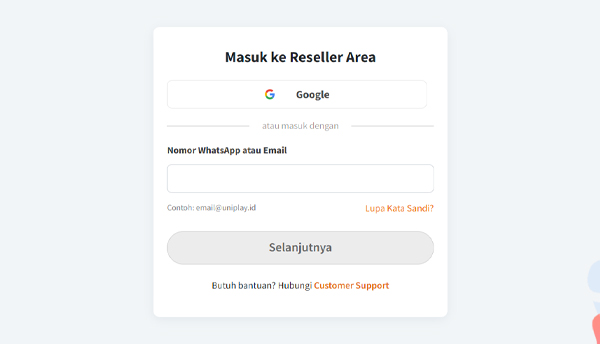
* Mula-mula, silahkan login ke dalam panel Reseller UniPlay terlebih dahulu.
* Selanjutnya, silahkan klik menu Kustomisasi dan pilih sub menu **Kustomisasi Produk** yang ada di bagian kiri Panel Reseller.
* Cari produk top up atau voucher game yang ingin kamu ubah detail atau logonya. Lalu klik tombol **Atur** lalu pilih "**Deskripsi Produk**”.
* Akan muncul pop up untuk atur deskripsi produk. Nah, di sini Kamu bisa ubah Logo atau Deskripsi dari produk tersebut.
* Jika sudah mengatur Deskripsi atau Logo produk, klik tombol “**Simpan**”.
* Maka Kamu berhasil mengubah logo atau deskripsi produk pada website.