> For the complete documentation index, see [llms.txt](https://docs.uniplay.id/uniplay-reseller/llms.txt). Markdown versions of documentation pages are available by appending `.md` to page URLs; this page is available as [Markdown](https://docs.uniplay.id/uniplay-reseller/kustomisasi/penjelasan-tentang-payment-channel-management-metode-pembayaran.md).
# Penjelasan Tentang Payment Channel Management (Metode Pembayaran)
Payment Channel Management adalah salah satu fitur dari UniPlay di mana Kamu bisa mengatur Metode Pembayaran yang ingin ditampilkan di website Kamu.
Fitur ini berguna bagi Kamu yang tidak ingin ada banyak metode pembayaran yang tampil di website Kamu.
Untuk menggunakan fitur Payment Channel Management, Kamu bisa ikuti langkah-langkahnya berikut ini.
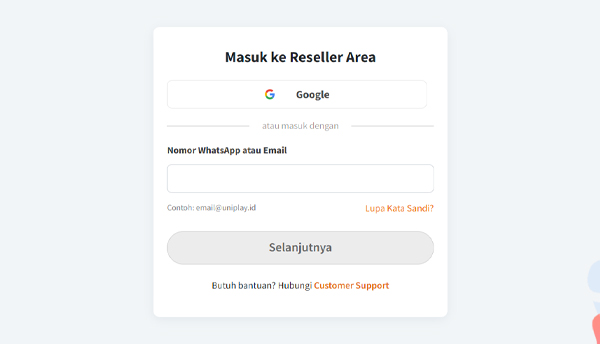
* Mula-mula, silahkan login ke dalam panel Reseller UniPlay terlebih dahulu.
* Selanjutnya, silahkan klik menu Kustomisasi dan pilih sub menu **Metode Pembayaran** yang ada di bagian kiri Panel Reseller.
* Nah, pada bagian ini Kamu bisa atur Metode Pembayaran apa saja yang ingin ditampilkan di website Kamu nantinya dengan cara geser toggle **on**/**off**.