> For the complete documentation index, see [llms.txt](https://docs.uniplay.id/uniplay-reseller/llms.txt). Markdown versions of documentation pages are available by appending `.md` to page URLs; this page is available as [Markdown](https://docs.uniplay.id/uniplay-reseller/panel-reseller/marketing-kit.md).
# Marketing Kit
Menu ini menyediakan kumpulan materi promosi yang dapat digunakan oleh Kamu untuk meningkatkan penjualan. Di dalam menu ini, Kamu akan menemukan link yang mengarah ke Google Drive, yang berisi berbagai banner desain untuk keperluan promosi produk top up dan voucher game.
Untuk membuka Marketing Kit, kamu bisa ikuti langkah-langkah berikut ini:
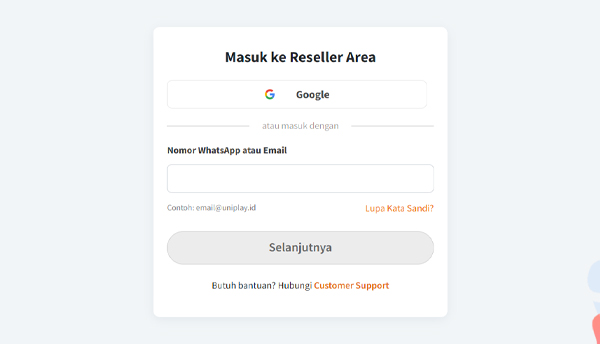
* Mula-mula, silahkan login ke dalam panel Reseller UniPlay terlebih dahulu.
* Selanjutnya, silahkan klik menu Marketing Kit yang ada di bagian kiri Panel Reseller.
* Kamu akan langsung diarahkan ke link Google Drive berisi file-file Markerting Kit siap edit yang bisa kamu gunakan untuk kebutuhan promosi.