> For the complete documentation index, see [llms.txt](https://docs.uniplay.id/uniplay-reseller/llms.txt). Markdown versions of documentation pages are available by appending `.md` to page URLs; this page is available as [Markdown](https://docs.uniplay.id/uniplay-reseller/panel-reseller/reseller-academy.md).
# Reseller Academy
Menu ini menyediakan akses ke berbagai video pembelajaran yang dirancang untuk membantu Kamu memahami cara menggunakan panel reseller UniPlay.id dengan efektif. Video-video ini mencakup panduan langkah demi langkah yang menjelaskan fitur-fitur utama dan cara terbaik untuk memanfaatkan sistem.
Untuk mengakses menu Reseller Academy, kamu bisa ikuti langkah-langkah berikut ini:
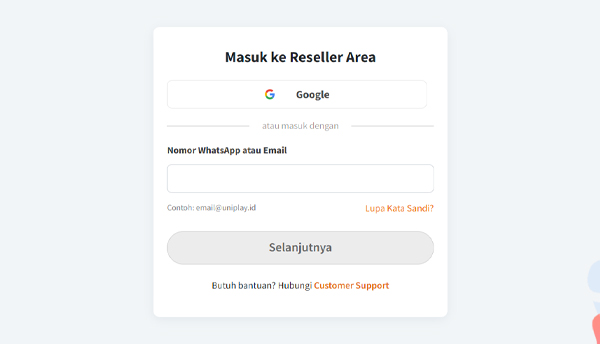
* Mula-mula, silahkan login ke dalam panel Reseller UniPlay terlebih dahulu.
* Selanjutnya, silahkan masuk ke menu Reseller Academy yang ada di bagian Panel Reseller.
* Setelah itu akan muncul berbagai video pembelajaran yang bisa Kamu tonton secara berulang-ulang.