> For the complete documentation index, see [llms.txt](https://docs.uniplay.id/uniplay-reseller/llms.txt). Markdown versions of documentation pages are available by appending `.md` to page URLs; this page is available as [Markdown](https://docs.uniplay.id/uniplay-reseller/panel-reseller/top-up-uniplay-point.md).
# Top Up UniPlay Point
UniPlay Point adalah mata uang digital resmi milik UniPlay. 1 UniPlay Point setara dengan Rp1, sehingga jika kamu memiliki 100.000 UniPlay Point, itu berarti kamu memiliki uang sebesar Rp100.000.
Nah, mata uang digital ini dapat dipergunakan untuk melakukan transaksi pembelian voucher atau top up game di platform UniPlay.
### Cata Top Up UniPlay Point
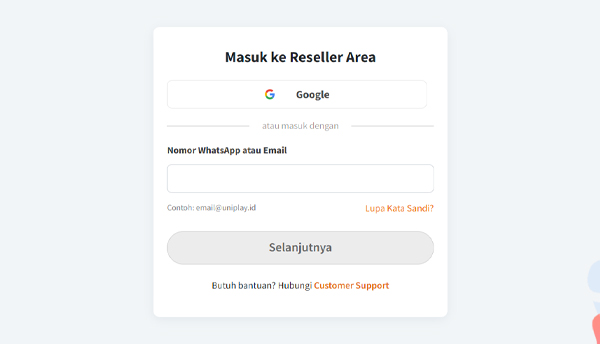
* Mula-mula, silahkan login ke dalam panel Reseller UniPlay terlebih dahulu.
* Selanjutnya, silahkan klik tombol **Top Up UniPlay Point** yang ada di bagian kiri Panel Reseller.
* Lalu kamu bisa memilih nominal saldo yang ingin kamu top up, atau kamu juga bisa isi sendiri nominal yang diinginkan dengan **minimum top up adalah** **100.000**.
* Setelah memilih nominal top up, silahkan pilih **Metode Pembayaran** yang kamu inginkan.
* Kemudian kamu akan diarahkan ke halaman invoice berisi detail pemesanan kamu. Silahkan transfer ke nomor rekening yang tertera. Pastikan nominal yang kamu transfer sesuai dengan nominal yang tampil di halaman invoice tersebut.
* Jika sudah melakukan transfer, maka otomatis saldo UniPlay Point kamu akan bertambah.